 boast
Support
Getting started
boast asks your name the first time you open it, so shared results read "Jack beat Sam". You can skip it and add it later.
There are two tabs: Matches and Opponents. The gear opens Settings, where you can change your name, your default format and the appearance (light, dark or match your phone).
Logging a match
- Tap Log match, or + on an opponent's page.
- Type who you played, or tap one of your recent opponents. A new name becomes a new opponent.
- Type the scores, yours on the left. boast moves to the next box as you go. If it waits, for example after a single 1 that could become 10, tap Next.
- Add tags, a note or a different date if you like, then tap Save.
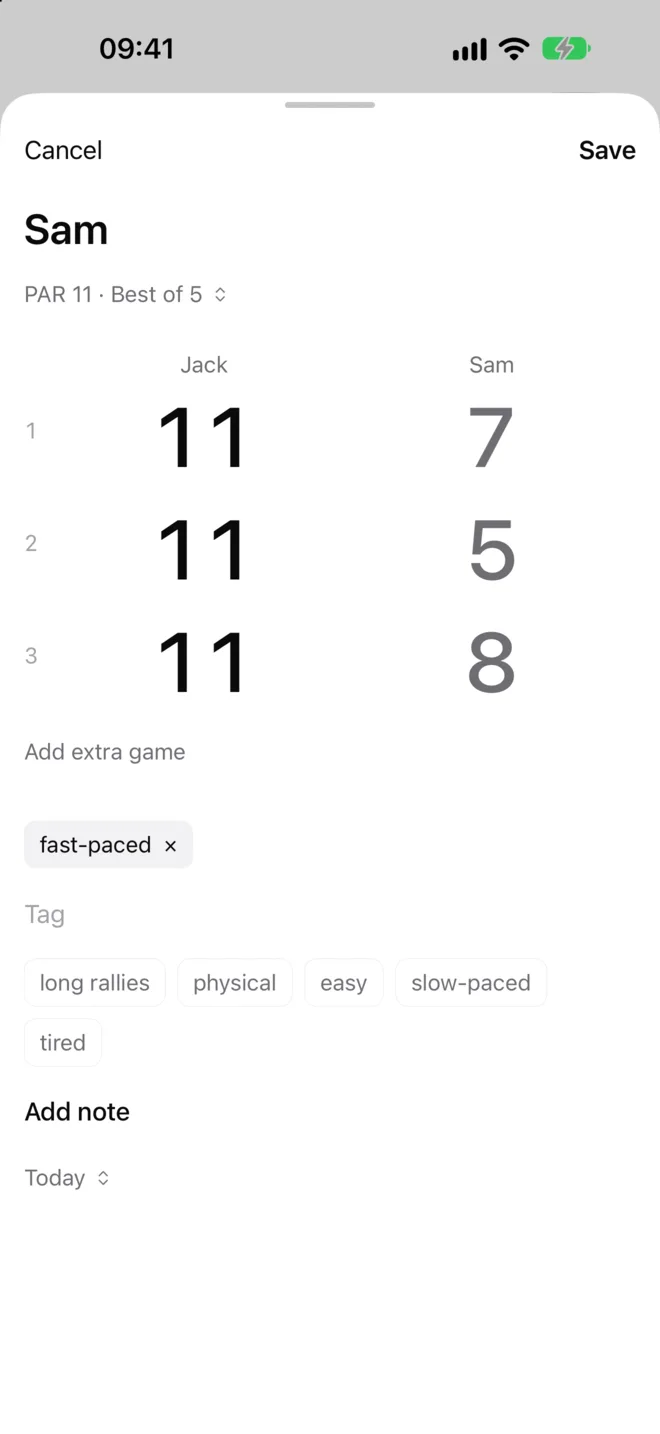
The format under the name starts as whatever you last played against them. Tap it to change it.
To remove a game, press and hold its number. boast warns about unusual scores but always lets you save.
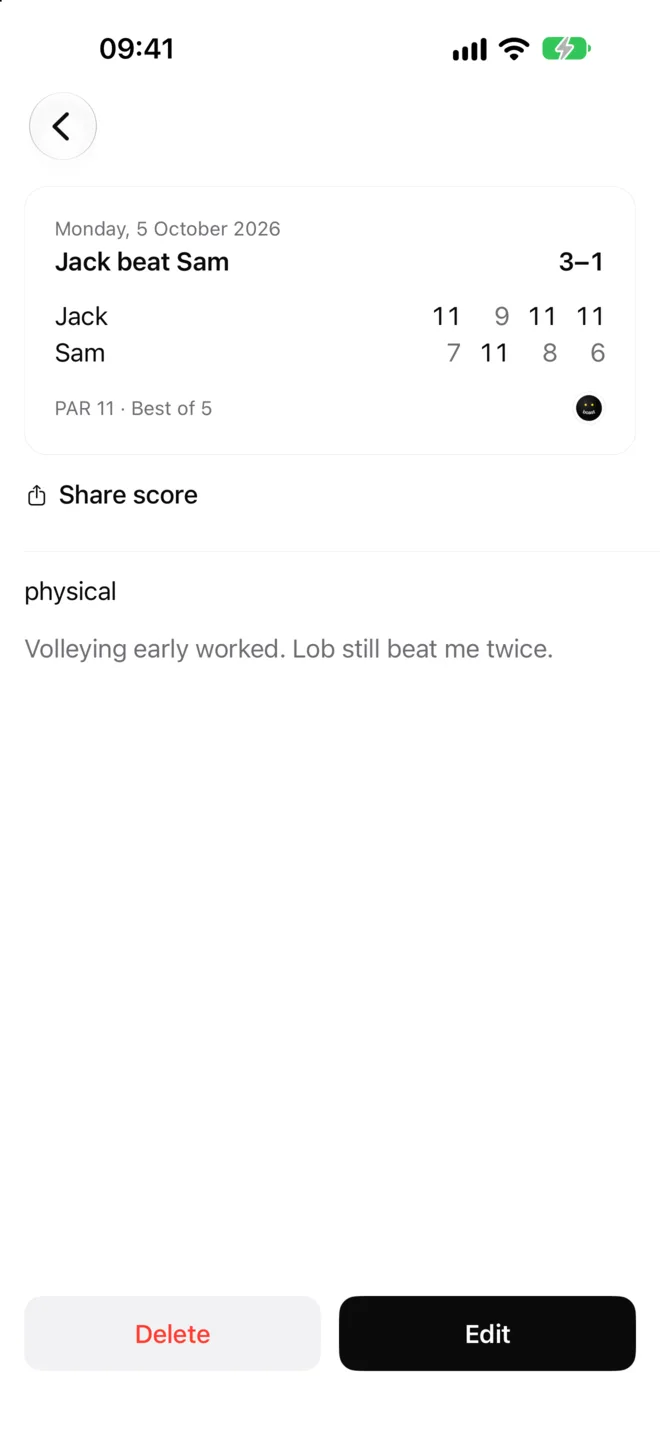
Tap any match to see its card. From there you can share it, edit it or delete it. Your tags and notes sit below the card and are never shared.
Formats and scoring
- PAR 11 or PAR 15, best of 3 or 5.
- Hi-ho (traditional scoring to 9), best of 3 or 5.
- A fixed number of games, 1 to 7, to 11 or 15. These matches can be drawn.
Extra games. If you keep playing after the match is won, tap Add extra game. Extra games are saved but don't change the result or your stats.
Unfinished matches. If you stop before anyone has won, for example when your court time runs out, boast saves the match as unfinished. It stays in your history but isn't counted in your record.
Opponents and game plans
Each opponent's page starts with your game plan: a few lines to read before you play them.
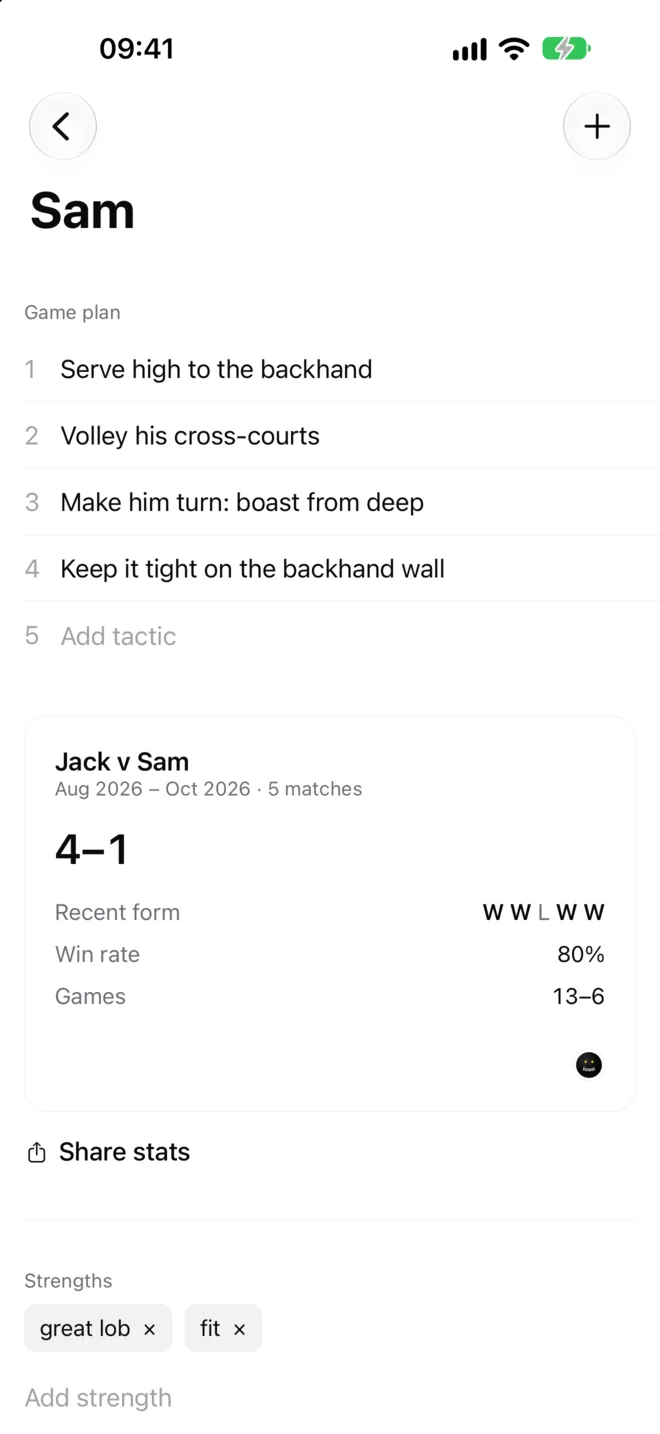
- Type in Add tactic to add a line. Tap a line to edit it, or press and hold to delete it.
- Add their strengths and weaknesses further down. Tap × to remove one.
- Rename them with Name at the bottom of the page. Every match updates.
- Delete opponent removes them and your matches against them, after asking.
To add someone before you've played them, type their name in Add opponent at the bottom of the Opponents tab.
Game plans, strengths and weaknesses are private. They never appear on anything you share.
Stats and the calendar
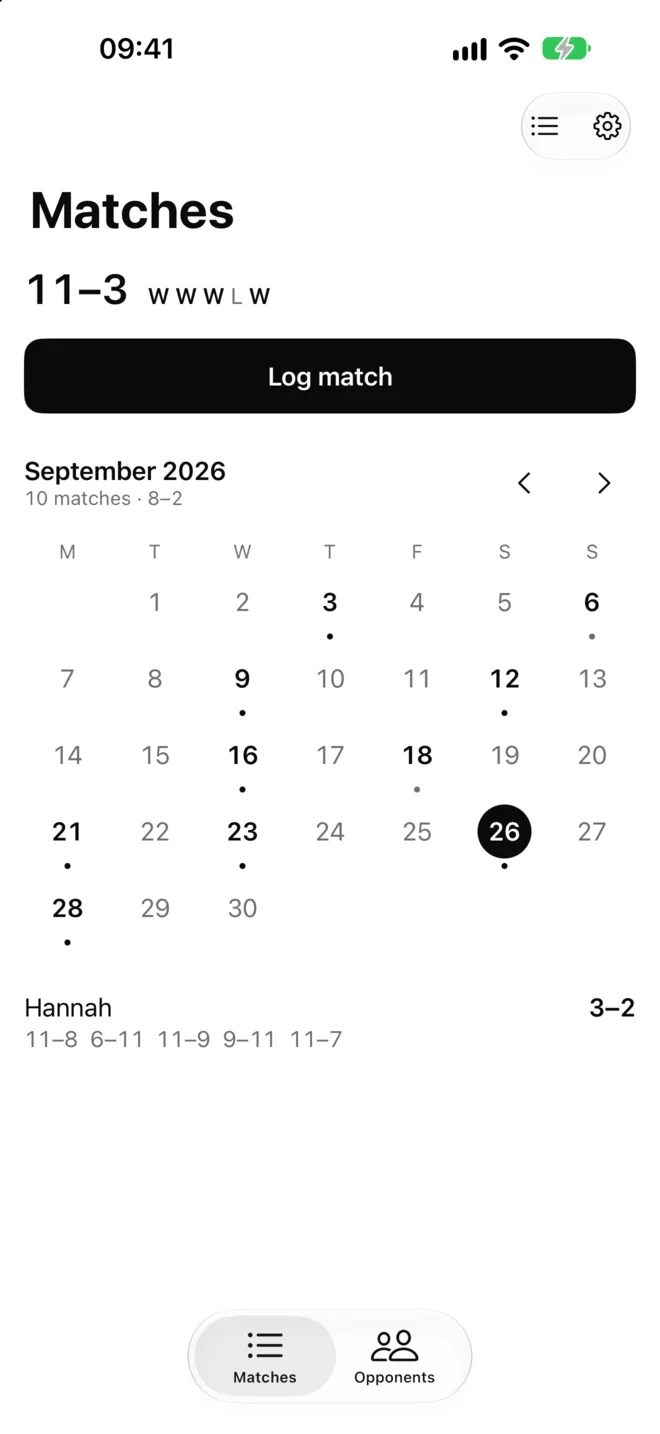
- The Matches tab shows your record and your last five results.
- Each opponent's page shows your head-to-head record, recent form, win rate and games won and lost, plus how often you win when a match has a given tag.
- Tap the calendar button next to the gear to see your matches by month. A dot marks each day you played. Tap a day to see its matches.
Sharing
Share score on a match, or Share stats on an opponent's page, turns the card into an image you can send anywhere. Cards show names, dates and scores only.
Send your matches to a friend who uses boast, so they don't have to log them again:
- Make sure your name is set in Settings.
- On their page, tap Send history and send them the file.
- They open boast, go to Settings → Import, choose the file and confirm it's for them. Then they pick which of their opponents is you.
Their copy flips the scores to their side and skips matches they've already logged. It never includes your notes, tags or game plans.
Backups and new phones
Everything is stored on your phone. To keep a copy, or to move to a new phone:
- Tap Settings → Export backup and save the file somewhere safe, such as Files or an email to yourself.
- On the new phone, tap Settings → Import and choose the file.
Importing a backup replaces everything on that phone. boast asks before it does. A backup includes your private notes, so keep it somewhere only you can see.
Still stuck?
Email boast-support@pm.me. Read how boast handles your data in the privacy policy.